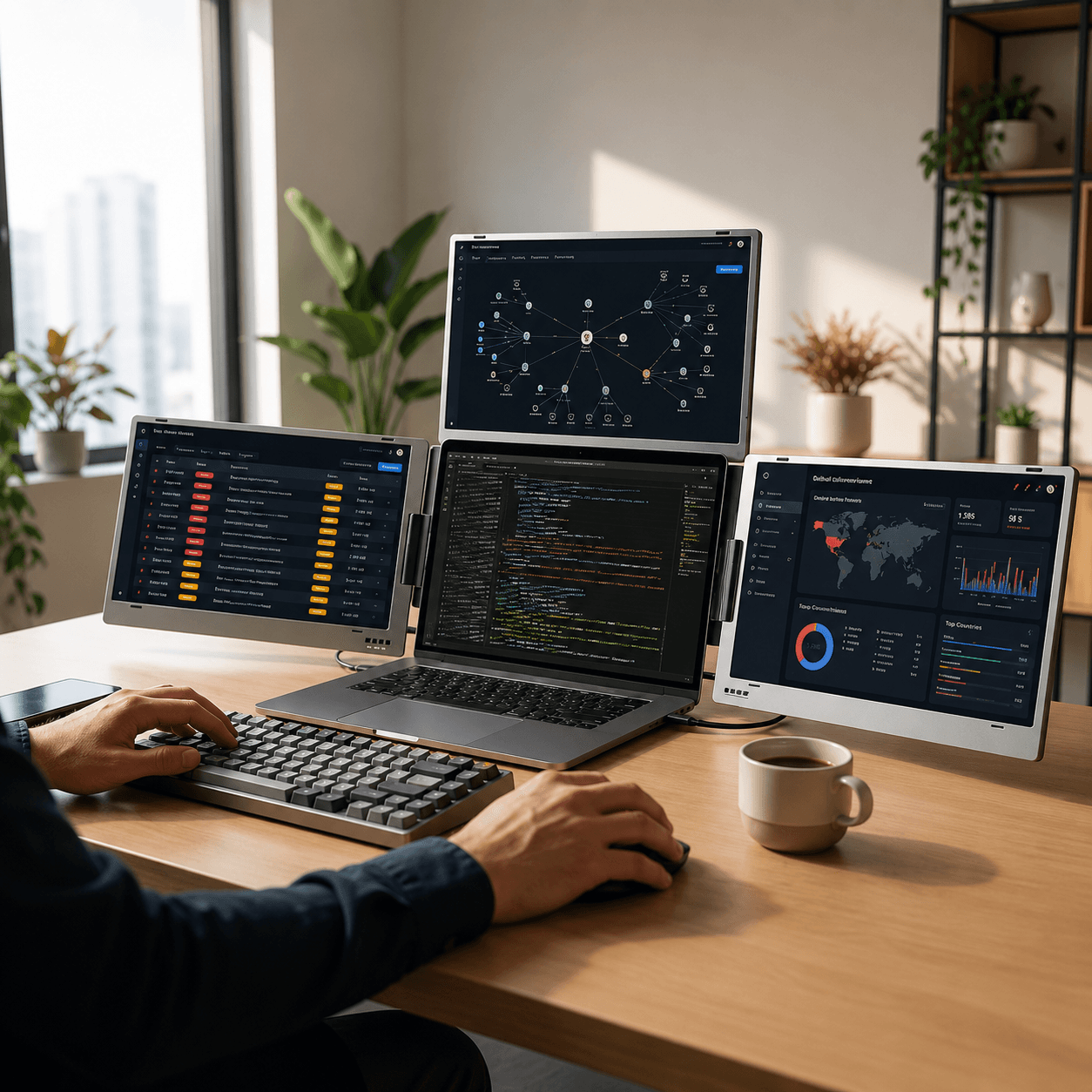
QuadView 14" UltraView Quad Monitor Laptop Screen Extender
Quad Laptop Screen Extender
Four Screens. One Command Center.
Transform your laptop into a complete four-screen workstation with three integrated Full HD displays. Built for professionals who need maximum visibility, faster decision-making, and complete control over complex workflows.
There comes a point where even a triple-screen setup starts feeling crowded. You're monitoring dashboards. Managing communication. Reviewing reports. Tracking performance. Running meetings. And suddenly every screen already has a job. QuadView was built for professionals who need one more screen-not for convenience, but because their workflow genuinely demands it.
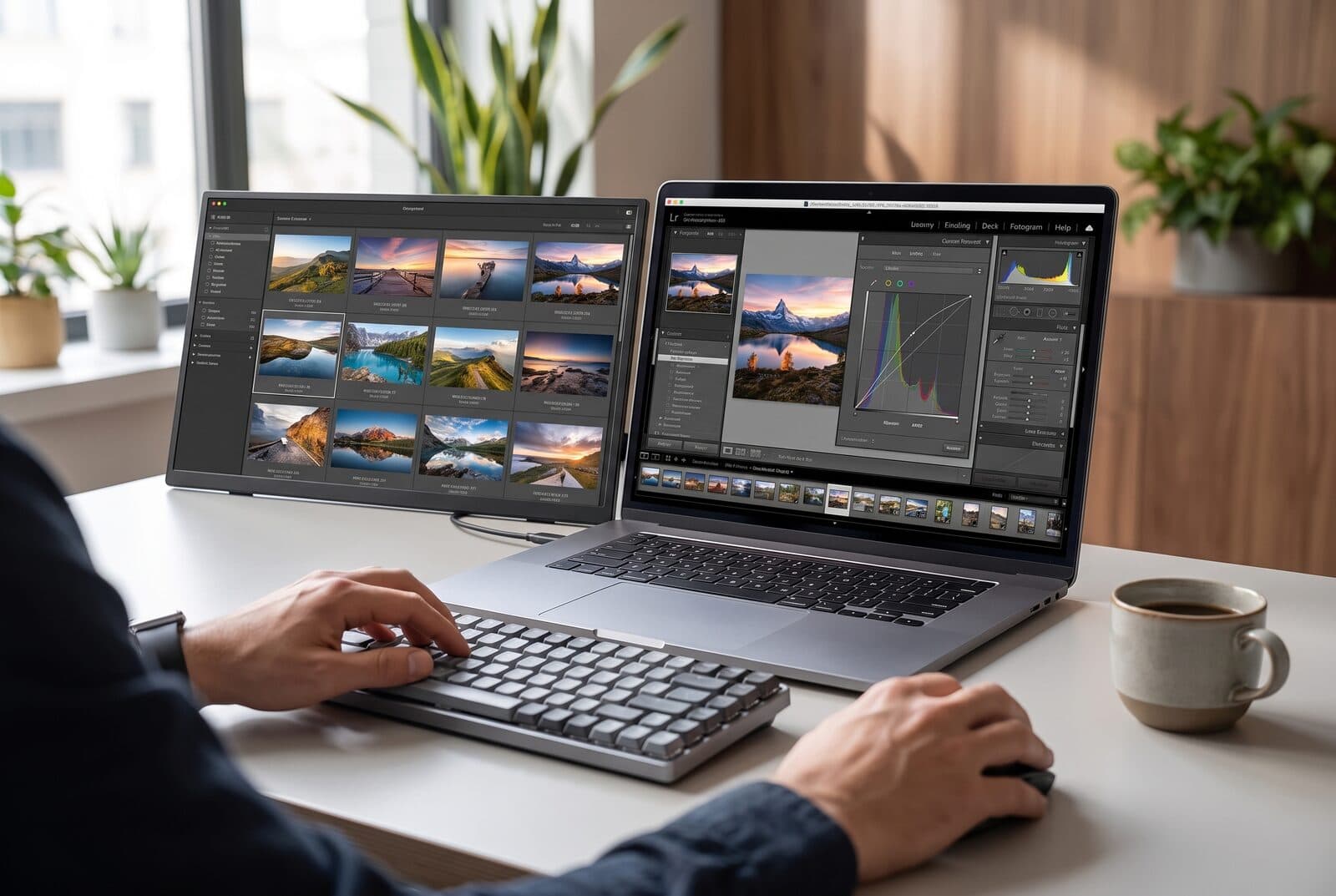
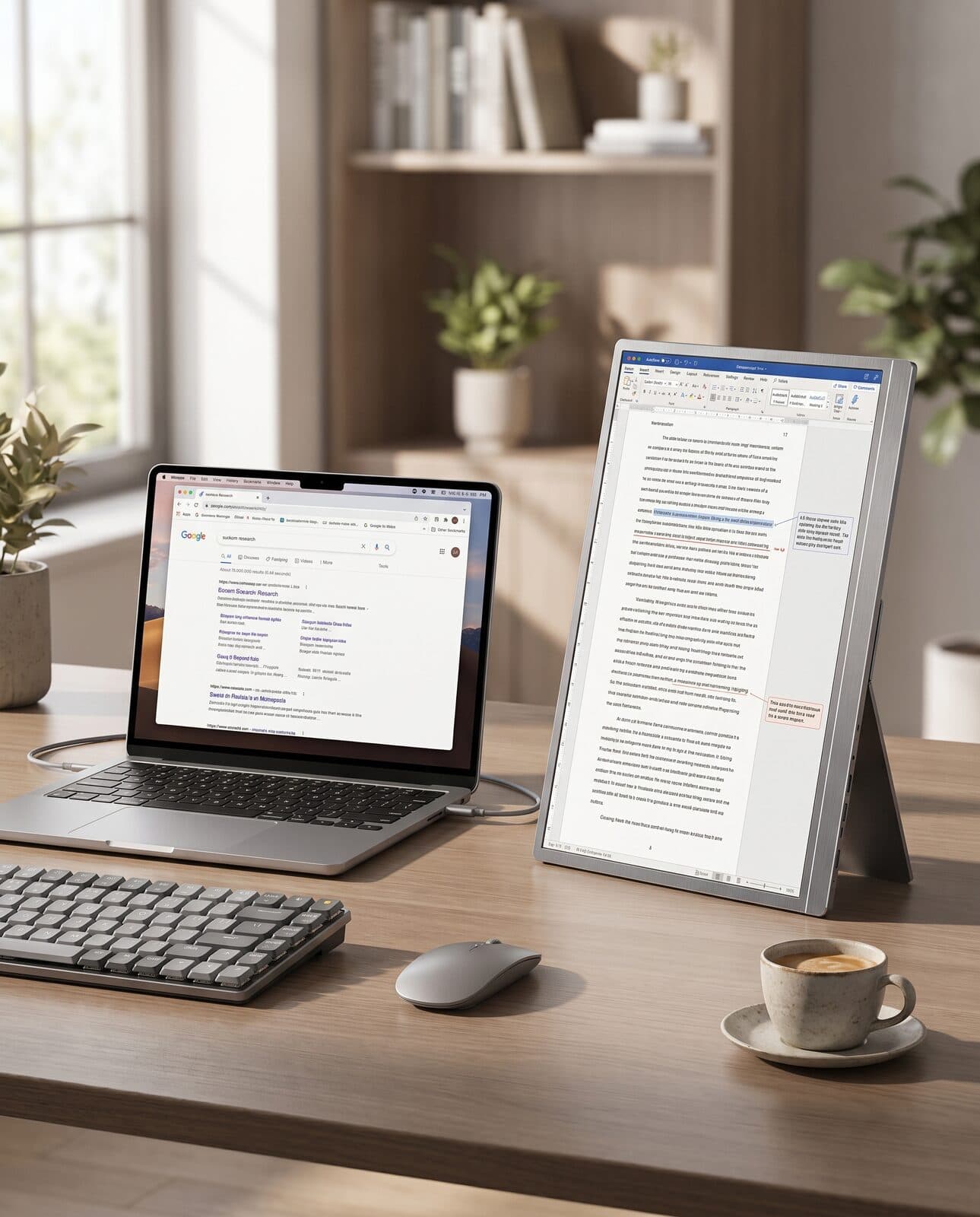
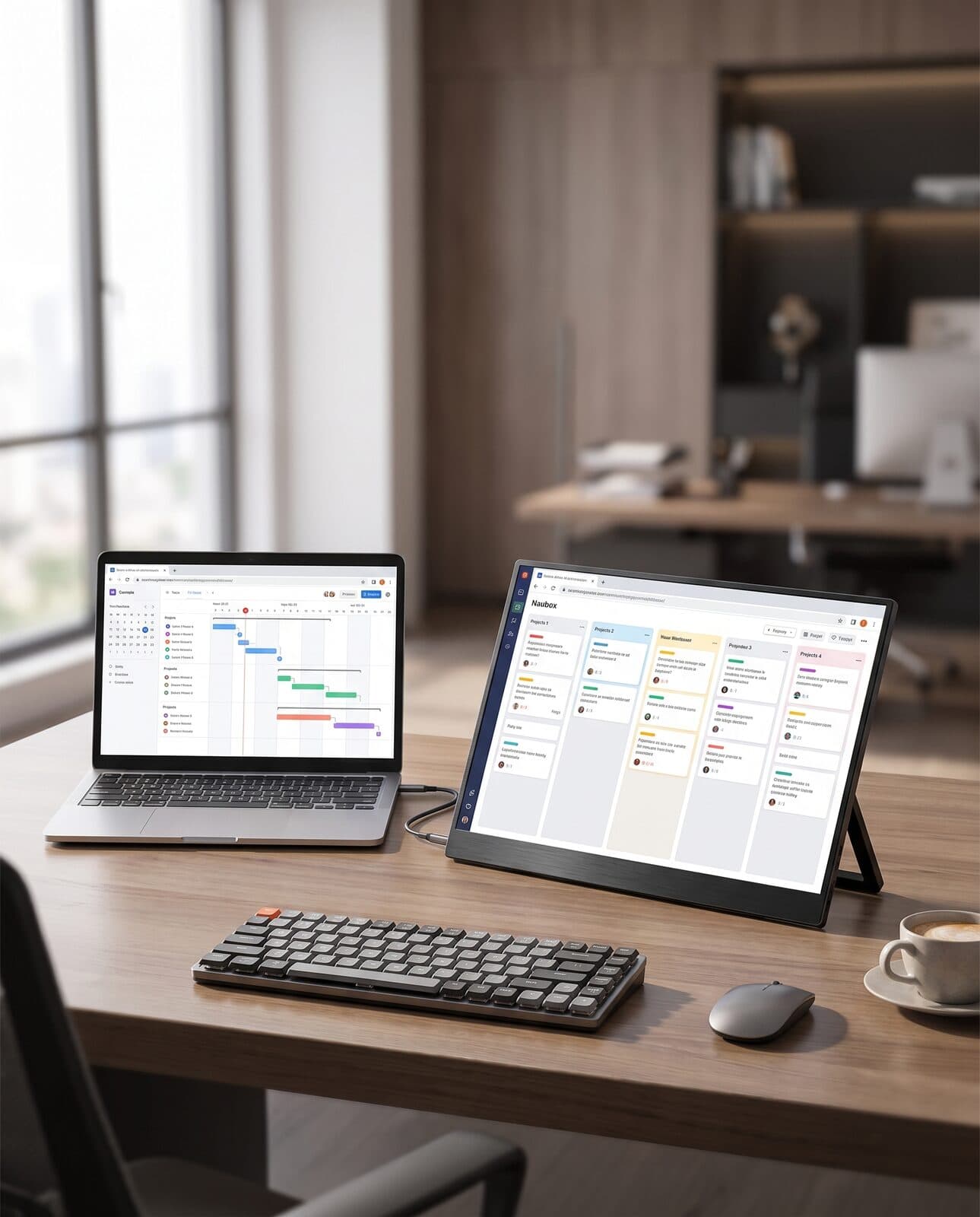
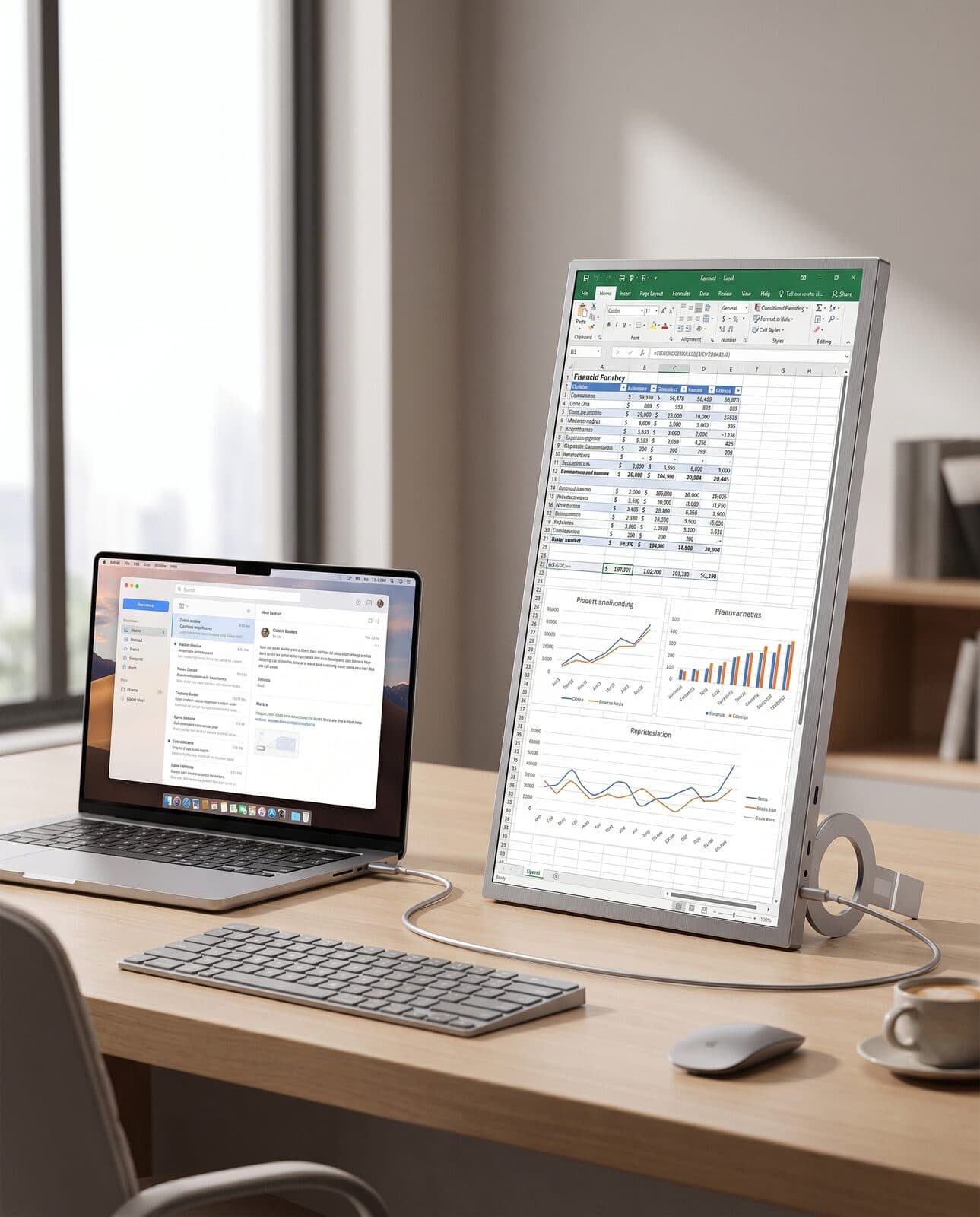
QuadView transforms a single laptop into a complete productivity hub. Keep communication tools open. Monitor performance dashboards. Review reports. Track projects. Manage operations. All without minimizing windows or constantly switching applications. The result is a workspace that feels organized, efficient, and always in control.
Features
When Three Screens Are No Longer Enough
There comes a point where even a triple-screen setup starts feeling crowded. You're monitoring dashboards. Managing communication. Reviewing reports. Tracking performance. Running meetings. And suddenly every screen already has a job. QuadView was built for professionals who need one more screen-not for convenience, but because their workflow genuinely demands it.
Your Laptop, Reimagined As A Command Center
QuadView transforms a single laptop into a complete productivity hub. Keep communication tools open. Monitor performance dashboards. Review reports. Track projects. Manage operations. All without minimizing windows or constantly switching applications. The result is a workspace that feels organized, efficient, and always in control.
Designed For High-Visibility Work
Some professions simply require more visibility than others. QuadView was created for professionals who need to monitor multiple streams of information simultaneously and make decisions quickly. Because sometimes the difference between success and failure is seeing the right information at the right time.
Four Screens. One Workflow.
A well-designed workspace isn't about having more screens. It's about giving every task a dedicated space. With QuadView, communication, analysis, execution, and reporting can all remain visible simultaneously, helping reduce distractions and maintain focus.
Full HD Clarity Across Every Display
Every screen is designed to deliver sharp visuals, clear text, and comfortable readability throughout long working sessions. Whether you're reviewing spreadsheets, analysing data, monitoring dashboards, or presenting information, every detail remains easy to see. Feature Highlights
Portable Enough To Move. Powerful Enough To Replace A Desk Setup.
Traditional four-monitor setups demand permanent desk space. QuadView delivers similar workflow advantages in a foldable form factor that travels with your laptop. From the office to a client site, from home to a business trip, your workstation remains consistent wherever you work.
The Closest Thing To A Portable Operations Center
Most laptop screen extenders help you multitask. QuadView helps you oversee. By giving every workflow its own dedicated space, it creates a level of visibility that traditional laptop setups simply cannot match. For professionals responsible for monitoring multiple systems, teams, or data streams, that visibility becomes a competitive advantage.
Specifications
Display
- Triple 14" Full HD IPS Displays
- 1920 × 1080 Resolution
- Four-Screen Productivity Setup
- Wide Viewing Angles
- 60Hz Refresh Rate
Connectivity
- USB-C Connectivity
- Multi-Screen Expansion
Compatibility
- Windows
- macOS
Form Factor
- Foldable Quad Screen Design
- Portable Workstation
Weight
- Add actual weight from product specification sheet
Customer Reviews
Good one
Nice product for the price.
- sanjay singh, Amazon Customer
Nice product
Good Quality
- Santosh Reddy, Amazon Customer
solved my purpose
it solved my purpose. it has back stand so you can adjust viewing angle as per your requirement.
- honey kumar, Amazon Customer